

Setting up
The first step to extending model-driven apps user experience is configuring your settings.Installation
Installing Power UX application in your development environment
Activate your subscription
Get your Subscription Id and activate your license in Power UX Settings
Get Started
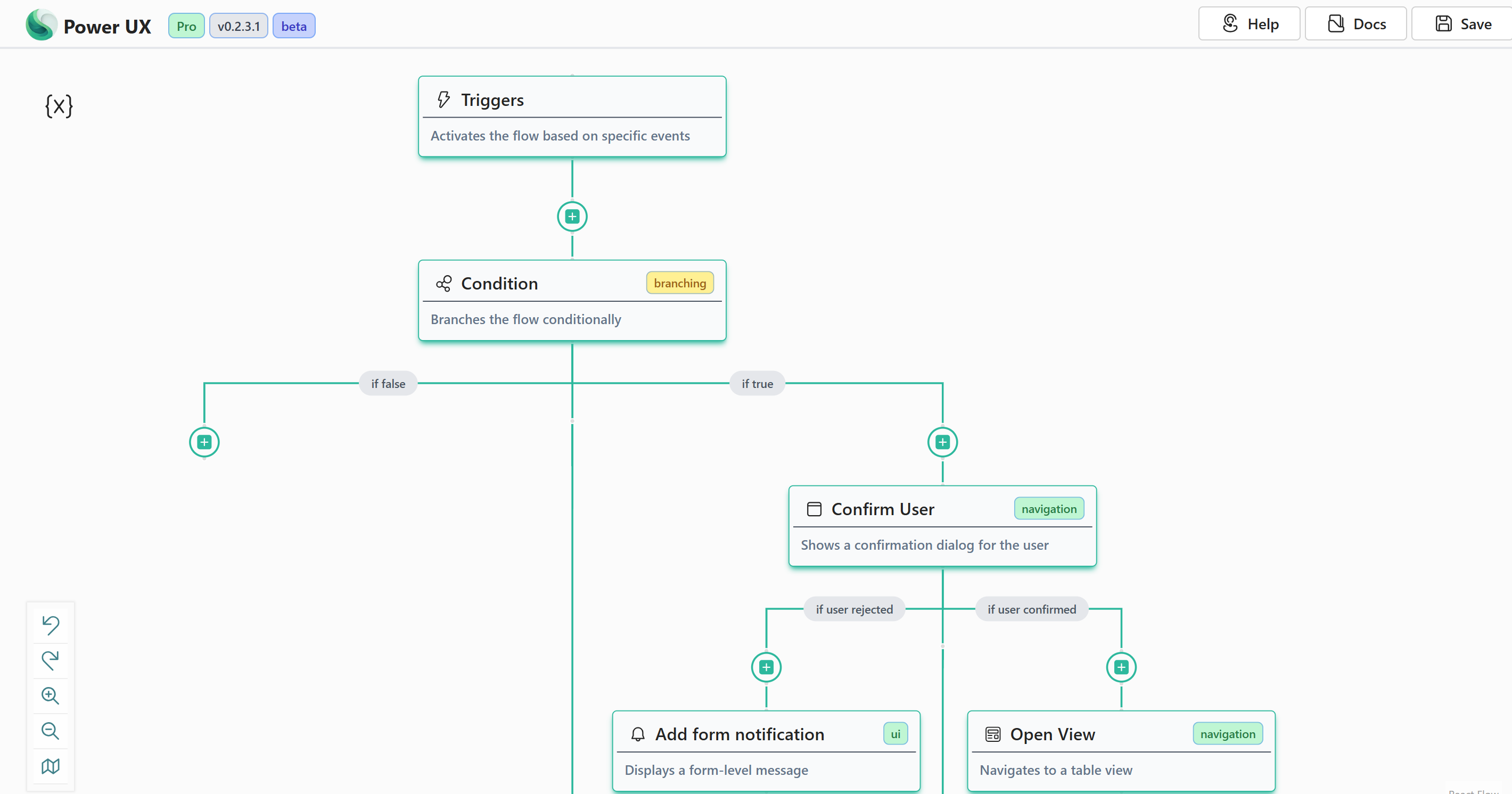
With PowerUX, you can add complex logic to your Model-driven applications in just a few minutes without having to learn JavaScript!Triggers
Customize your docs to your company’s colors and brands
Settings
Automatically generate endpoints from an OpenAPI spec
Action Steps
Everything you need to get started with Action Steps and take your Model-driven experience to the next level.
Community Version
Check out free forever community version that helps you extend model-driven apps client-side business logic with no-code.